Meetora
Peer-to-peer video meetings with live captions, reactions, screen sharing, host controls and session recaps.
- automated security checks
- 26automated security checks
- WebRTC mesh with STUN + optional TURN
- P2PWebRTC mesh with STUN + optional TURN
- captions and searchable transcripts
- Livecaptions and searchable transcripts
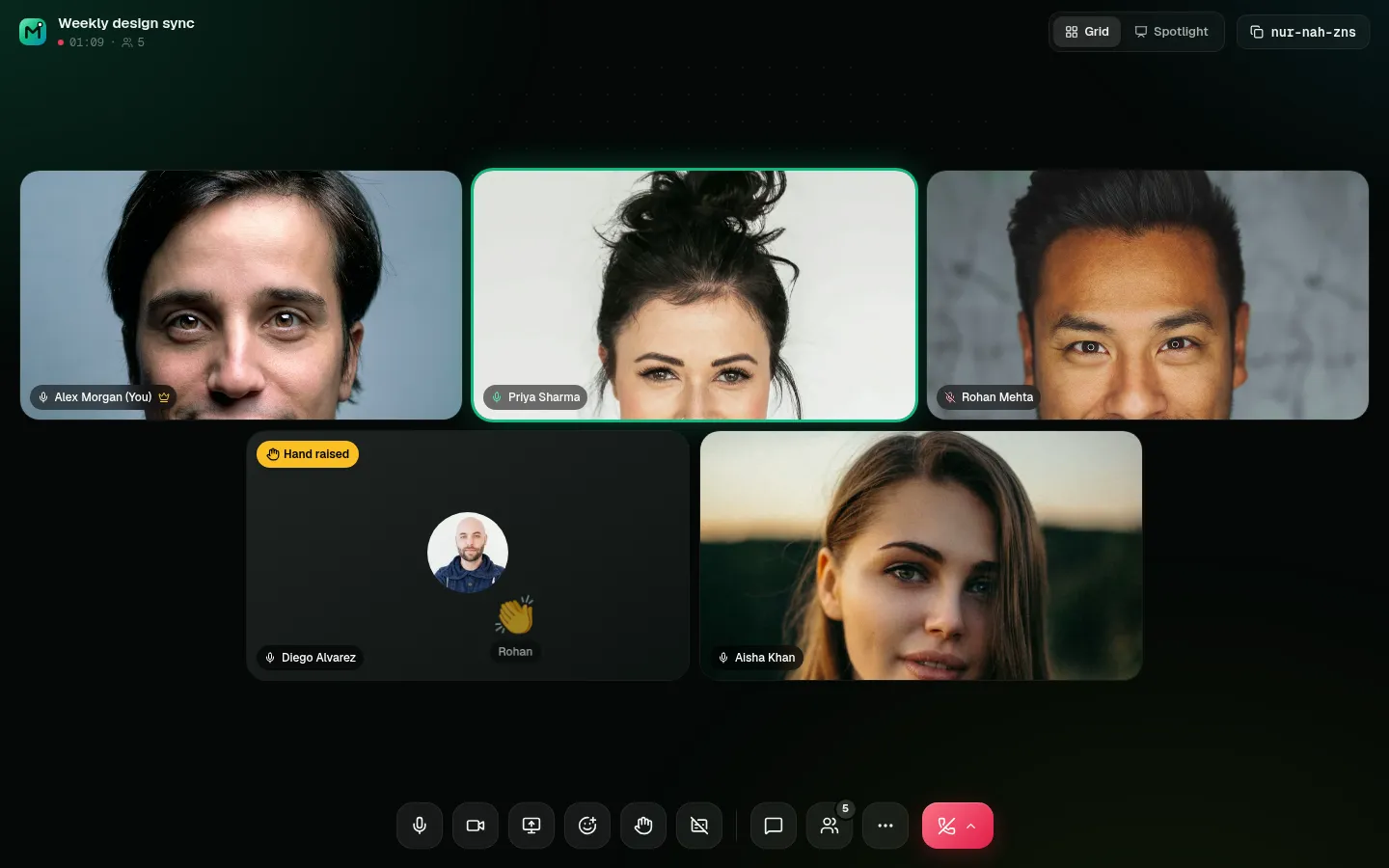
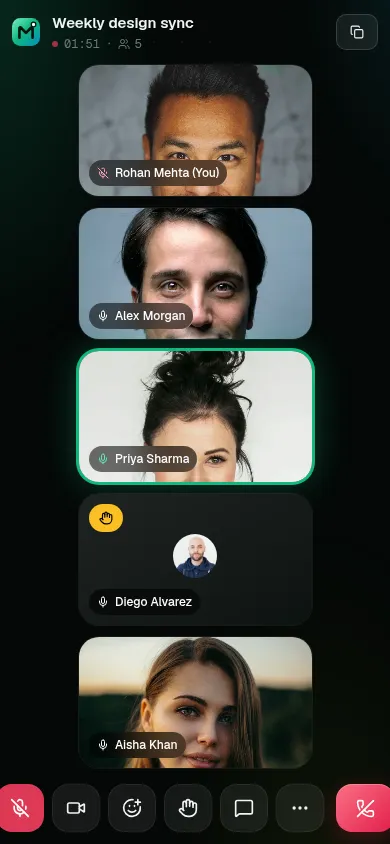
Video calls in the browser that feel like a room: a pre-join lobby, an adaptive grid with active-speaker glow, live captions, reactions and raised hands, real host controls, and a searchable recap of every session.
OriginMeetora 2.0 is a full redesign and rebuild of a basic course project (“MeetUp”).
The original app let anyone end anyone's meeting, because the server trusted whatever user id the browser sent. That one bug told me the real job: not more buttons, but a server that knows who is who, and a call UI that feels calm.
- Q1
How do I prove who is on a socket, not just believe them?
- Q2
How does the UI know who is speaking without a media server?
- Q3
How do I share a screen without renegotiating every peer connection?
- Q4
What should people get after the call ends?
- JoiningBeforeStraight into the callAfterLobby with camera preview, mic level meter, device pickers and who's already inside
- In the callBeforeGrid, mute, camera, chatAfterAdaptive grid + spotlight/pin, active-speaker glow, screen sharing, reactions, raise hand, live captions
- HostBeforeAnyone could end the meetingAfterHost-only end for all, ask to mute / mute all, remove participant
- HistoryBeforeCard list with chat logAfterAttendance timeline, searchable transcript with export, copyable summary
- SecurityBeforeSockets trusted the client's user idAfterEvery socket verifies a Clerk session token; host checks and room scoping on the server
Verify every socket with a Clerk session token
Host actions and room membership are checked on the server, so the browser can't promote itself to host.
Active speaker from real audio levels
WebRTC receiver audioLevel for others, Web Audio for your own mic: speaker glow without an SFU.
Screen sharing with replaceTrack
Swapping the video track means nothing renegotiates, so sharing starts instantly for everyone.
Captions through a voice gate
An AudioWorklet and a voice gate send only speech to Gemini transcription on the server, with the Web Speech API as a fallback.
- Instant meetings with readable codes, or schedule for later
- Invite links and Google Calendar links
- Pre-join lobby with device test
- Adaptive grid, spotlight and pinning; presenters spotlighted automatically
- Screen sharing (tab, window or screen)
- Emoji reactions, raise hand, chat, people panel, keyboard shortcuts
- Live captions
- Day-grouped history with search and filters
- Attendance timeline
- Searchable transcript with .txt export and a summary
Socket.io signalling where every connection verifies a Clerk session token.
Automated security checks run against the server.
replaceTrack swaps camera and screen without new offers and answers.
Stats, 7-day activity chart, up next, upcoming and recent sessions, plan usage.
Permission edge cases. Camera blocked, mic missing, device in use: each one needs a clear message, and you should still be able to join to listen and chat.
In real-time apps the server must be the source of truth for identity and roles. The UI can be optimistic; authority can't.